Simplify Your Healthcare Work with the eHCA App
Your all-in-one solution for managing shifts, timesheets, and payslips—anytime, anywhere. The eHCA app simplifies your work life by helping you stay organised, save time, and focus on what matters most. With 24/7 access and an easy-to-use interface, managing your schedule has never been easier.
Why Use the eHCA App?
Healthcare Australia’s award-winning eHCA app is designed for nurses who want more control, clarity and flexibility in their work.
Built by Healthcare Australia, it connects you directly to available shifts, lets you manage your bookings, and keeps everything from schedules to pay, in one simple place.

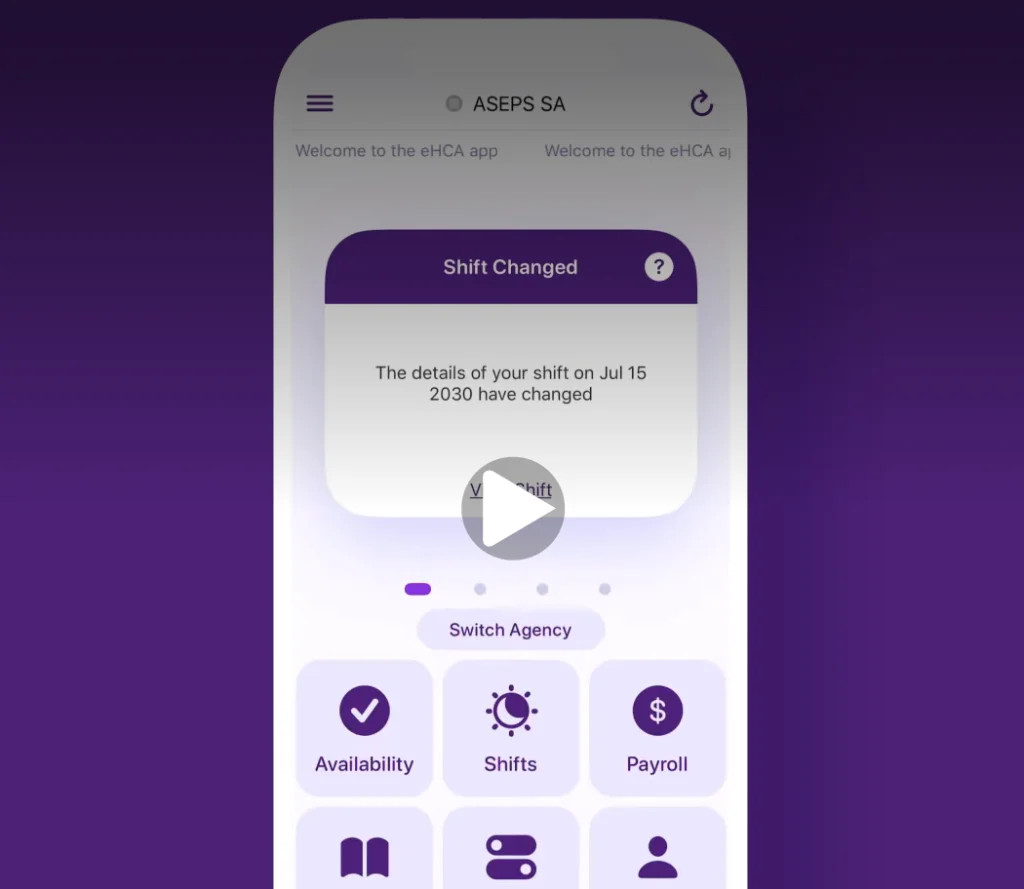
Instant Alerts
Get notified about new shifts that match your preferences.

Shift Management
View, confirm, and manage your shifts effortlessly.

Timesheets Made Easy
Submit your timesheets directly through the app.

Payslip Access
Check your payslips anytime, anywhere.

Availability Updates
Keep your schedule up-to-date with ease.

Facility Preferences
Manage your preferred facilities in just a few taps.
Why You’ll Love It
More than just a tool, it’s your personal assistantAt HCA, we recognise that you didn’t become a nurse to chase shifts, follow up on pay, nor deal with outdated systems.
Designed with healthcare professionals in mind, it offers a seamless experience that saves you time, reduces stress, and keeps you in control, no matter where you are.
Here’s why it’s a game-changer:
- Convenience: No need to log in every time—access everything with just a few taps.
- Flexibility: Use the app on any mobile device or PC with internet access.
- Efficiency: Save time and focus on what matters most—your work and patients.
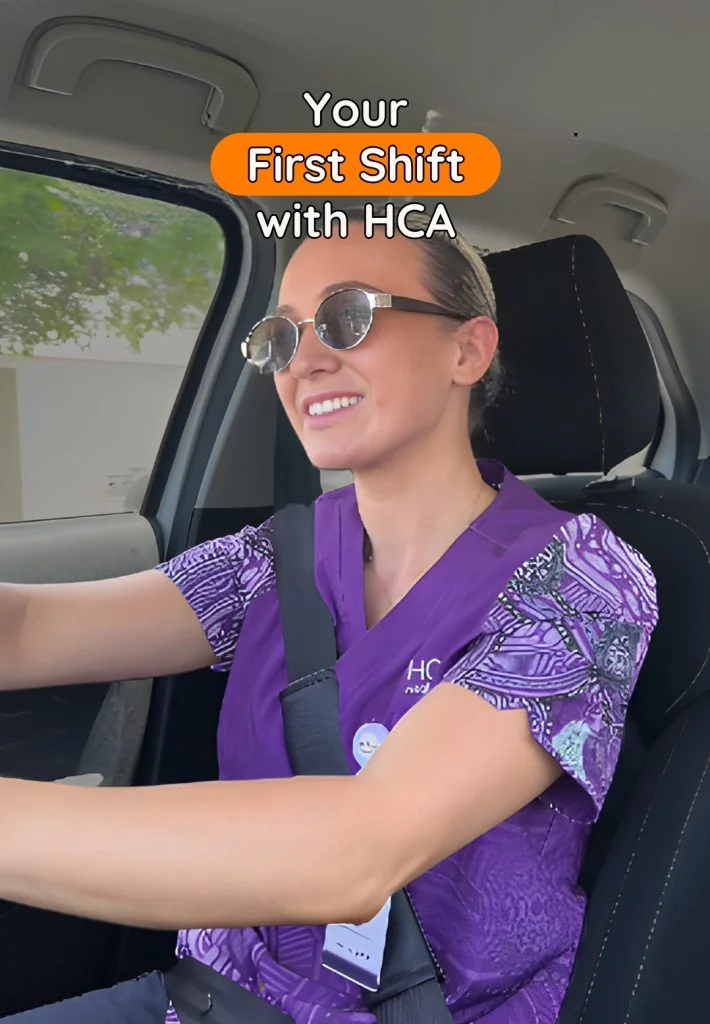
How it Works
1 Download the app
Get started in minutes on your phone.
2 Set up your profile
Add your details, preferences, availability, and credentials.
3 Start booking shifts
Browse, book, and manage your work
Nationwide Opportunities
Wherever you are, we’re there with you!With a presence in every state and territory, HCA offers travel nurse placements across metro and regional locations. Whether you want to stay close to home or take your skills on the road, we have roles to suit your lifestyle, preferences, and career goals.
Our eHCA app is still suitable for our travel nurses looking to find their next placement. Within the app, you can view and express your interest in open placements.
How it Works
Travel Nurse Edition!

Explore opportunities
- Login and view available travel nurse placements
- Browse roles anytime to see what’s open across Australia
- Perfect for getting a feel for locations, contract types, and demand
Express Interest
- Found something that suits? Submit an Expression of Interest through the app
- This notifies our team and connects you with the right consultant
Connect with your consultant
- A dedicated Travel Nurse Consultant will work closely with you
- They’ll understand your preferences, availability, and travel goals
- They may also proactively reach out with opportunities that match you
Matching and Submission
- Once you confirm interest, your consultant reviews your suitability
- If aligned, your profile is presented to the healthcare facility
Placement and Onboarding
- If successful, we coordinate contracts, compliance, and onboarding
- Requirements vary by location and facility (public vs private)
- Your consultant supports you through the entire process



FAQs About the eHCA Ap
Got questions about the eHCA app? We’ve got you covered! Whether you’re new to the app or looking to make the most of its features, this FAQ section will guide you through everything you need to know. From managing your shifts to submitting timesheets and updating preferences, find quick answers to help you navigate the app with ease.
How can I update my availability for shifts?
You can easily update your weekly and permanent availability for shifts using the eHCA app. Simply go to the availability section, tap on the day and time slot you wish to change, and tap Update to save. This feature allows you to instantly reflect any changes in your circumstances.
Can I view and confirm my allocated shifts through the app?
Yes! The eHCA app allows you to view and confirm your allocated shifts with ease. You can also see extended shift details and use your device’s GPS to navigate to the client’s location. For selected HCA brands, you can even allocate yourself to available shifts based on your clinical skill set, client preferences, and location.
How do I submit timesheets and request payment for my shifts?
The eHCA app streamlines the process of submitting timesheets and requesting payment. You can authorise and request payment electronically, eliminating the need for paper timesheets. The app also provides a real-time view of your shift status and payment cycle. Please check with your client to confirm if electronic authorisation is available.
What is electronic authorisation, and how does it work?
Electronic authorisation allows you to submit timesheets directly through the app. If a ‘Pen’ icon is visible for your shift, it means you can submit your timesheet electronically. Depending on the client, you may either self-authorise your timesheet or have it authorised by your shift supervisor onsite. Once authorised, you can track the status of your shift in real-time.
Can I view my payslips and payment summaries in the app?
Absolutely! The Payroll section of the eHCA app lets you view a summary of your payments, including gross, tax, and net earnings. You can also access detailed payslips with individual shift details, just as you would with a paper payslip, but instantly and conveniently from your device.
How can I update my client preferences?
The eHCA app allows you to update your personal preferences, such as “Do Sends” and “Do Not Sends,” to indicate where you prefer to work. You can also manage your SMS and email subscriptions, including unsubscribing from alerts or communications, all within the app.
What additional features does the eHCA app offer?
Beyond managing shifts, the eHCA app includes features like news updates, notifications, FAQs, and the ability to provide feedback about the app. You can also contact the HCA team directly through the app. All these features are accessible via the navigation drawer at the top left of the Home screen.
Download the eHCA App Today!
Join Thousands of Healthcare Professionals Already Using eHCA
Experience the ease and efficiency of managing your work life with eHCA. Take control of your work life with the eHCA app. Available now on:


LATEST INSIGHTS